7 Stunning Mirror Cube Patterns That Will Look Amazing on Your Shelf
Transform your Mirror Cube into art! Discover 7 stunning patterns like the Superflip and Cube-in-a-C...
So, you’ve mastered the CFOP method, you're sub-20, and you’re ready to share your passion for twisty puzzles with the world. Starting a speedcubing YouTube channel is one of the most rewarding ways to connect with the community, document your progress, and even help others improve their times. But with thousands of cubers online, how do you stand out?
In this guide, we’ll walk through the essential steps to launching your channel, from finding your unique voice to setting up a professional-grade recording studio.
The cubing community on YouTube is diverse. Before you hit record, decide what kind of content you want to create. Popular niches include:
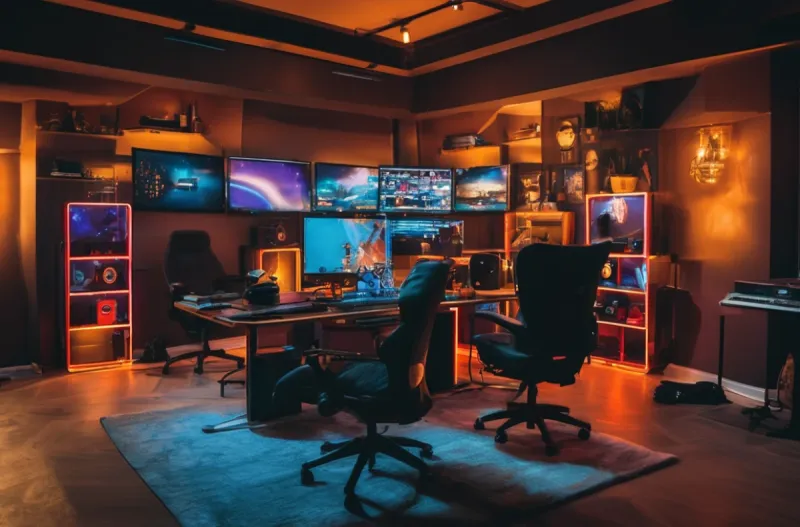
Content creation requires a lot of time spent at your desk. Whether you are editing videos for hours or performing hundreds of practice solves for a "Road to Sub-10" series, comfort is key. A professional setup not only looks better on camera but also keeps you healthy.
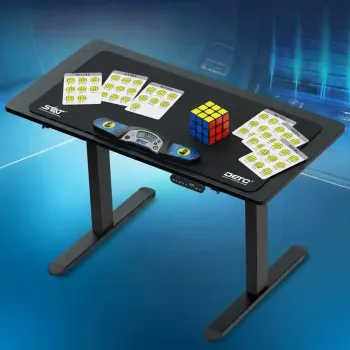
Many successful creators invest in a versatile workspace. For example, using the The Sleep Company - Electric Height Adjustable Desk | Ergonomic Work from Home Table | 4 Memory Presets | 2 Years Warranty | 1200 x 600 Thick Top | Free Installation | Black & Black allows you to switch between sitting and standing, which is great for maintaining energy during long live streams. To complement your desk, ensure you have proper lumbar support. A high-quality chair like the CELLBELL Swift Black Mesh Mid Back Chair, Ergonomic Office Desk, Work from Home, Computer, Sturdy Material, Multi Lock System, Adjustabe Armrest & Headrest, DIY Comfortable Modern Design Chair can make a world of difference during those long editing marathons.
Lighting is often more important than the camera itself. If your viewers can't see the colors of the cube clearly, they won't stay for long. You want to avoid harsh shadows and "color bleeding" where the orange and red sides look identical under yellow light.
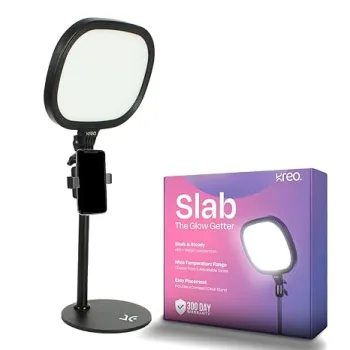
For a clean, professional look, the Kreo Slab Video Light | Adjustable LED Video Light with 5 Color Temperatures (3200K–5600K), 1455 Lumens, 120 LEDs & Extendable Stand is an excellent choice for a primary light source, offering adjustable temperatures to ensure your cube's plastic looks vibrant and true-to-life. If you have a smaller desk setup, a space-saving Airlonv LED Desk Lamp for Office Home, Eye-Caring Desk Light with Stepless Dimming Adjustable Flexible Gooseneck, 10W USB Adapter Desk Lamp with Clamp for Reading, Study, Workbench (Dark Black) can provide targeted illumination directly over your cube mat without cluttering the frame.
The heart of any speedcubing channel is the solve itself. Viewers love to see the hardware you use and the times you achieve. Accuracy is vital here; using a phone timer is okay for beginners, but serious channels use dedicated hardware.
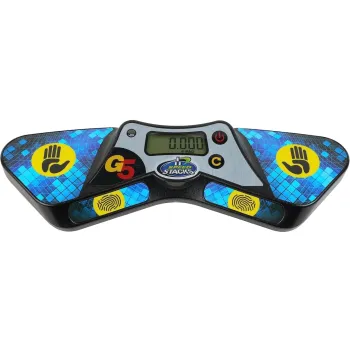
To give your channel an air of legitimacy, using the Speed Stacks Stackmat Pro Timer Gen 3 (Black) is highly recommended. It’s the industry standard for competitions, and seeing it in your frame tells your audience that you take your timing seriously.
Once you have your footage, it's time to edit. Keep your intros short and get straight to the cubing. Use software like DaVinci Resolve or CapCut to cut out dead air during scrambles. Aim to post at least once a week to keep the YouTube algorithm happy.
Starting a channel is a marathon, not a sprint. Focus on providing value to the cubing community, and the subscribers will follow. Happy cubing!